← Back to Course
Alert Systems - Part 2
🚨 Setting Up Smart Alerts for Your Farm - Never Miss a Critical Event
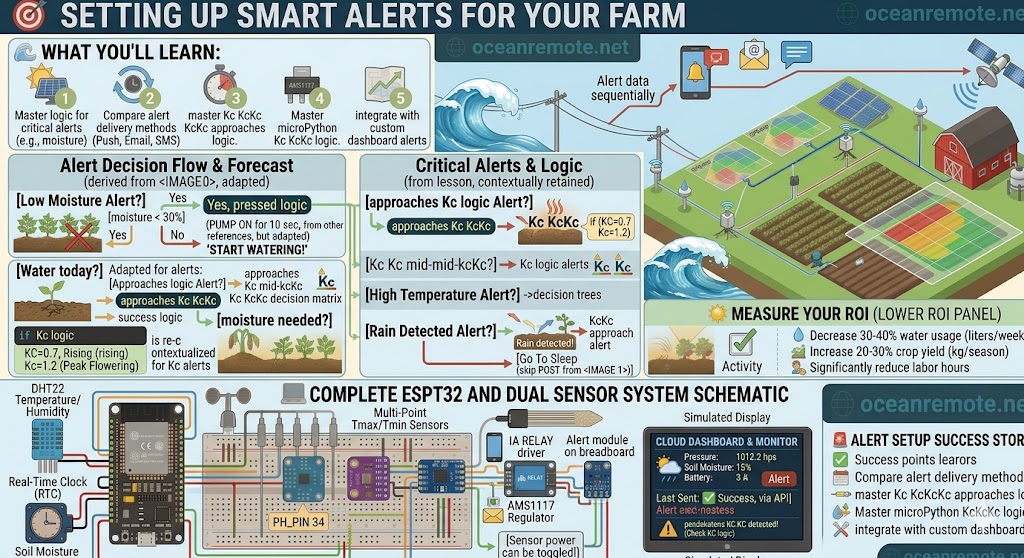
🚨 What You'll Learn:
- ⚡ Set up automated alerts for critical farm conditions
- 💧 Get notified before crops get stressed from drought or heat
- 📱 Choose the right alert method (SMS, Email, Push)
- 💰 Prevent crop loss by responding within minutes
Alerts are the most powerful feature of any IoT system. Instead of constantly checking your dashboard, alerts come to you when action is needed. A well-configured alert system can save your crops from drought, heat stress, and equipment failure.
🚨 Critical Alerts Every Farm Needs
- 💧 Low Moisture Alert: Soil moisture < 30% - time to water
- 🌡️ High Temperature Alert: Air/soil > 38°C - heat stress risk
- 🌧️ Rain Detected Alert: Skip irrigation, save water
- 📡 Device Offline Alert: Sensor not reporting for 2+ hours - check battery/WiFi
- ❄️ Frost Alert: Temperature < 5°C - protect crops
- 💨 High Wind Alert: Wind > 25 km/h - stop spraying
💡 Priority Levels:
- 🔴 CRITICAL: Respond within minutes (low moisture <20%, extreme heat >40°C)
- 🟡 WARNING: Respond within hours (moisture 20-30%, temp 35-40°C)
- 🔵 INFO: Monitor only (device online/offline, battery status)
📱 Alert Delivery Methods
- 📱 Mobile Push Notification: Fastest (seconds) - best for critical alerts
- 📧 Email: Good for record keeping and daily summaries
- 📨 SMS: Best for areas with poor internet (works on 2G)
- 🔔 Dashboard Notification: When you're actively monitoring
💡 Choosing Alert Methods:
- Use Push + SMS for critical alerts (redundancy)
- Use Email for daily reports or non-urgent info
- Set cooldown periods (e.g., don't alert every minute - every 6 hours is enough)
📋 Setting Up Alerts in OceanRemote
- Log in to your OceanRemote account
- Go to your Device Dashboard
- Click the "Alerts" or "Notifications" tab
- Click "Create New Alert"
- Select condition: e.g.,
soil_moisture < 30 - Choose notification method: Push, Email, or SMS
- Set cooldown period (e.g., every 6 hours, not every minute)
- Click "Save" - you'll receive alerts instantly when triggered!
📖 Success Story - Alert Saves Tomato Crop:
A tomato farmer in Nigeria set up low moisture alerts on his smartphone:
- 📱 11 PM alert: "Soil moisture: 28%"
- 🌙 Farmer was sleeping, would have missed it
- 💧 Alert woke him - he started irrigation immediately
- ✅ Next morning: plants thriving, no wilting
- 💪 Neighboring farm without alerts lost 30% of their crop
💡 Pro Tips for Alert Configuration:
- Set multiple thresholds: Warning at 35%, Critical at 25%
- Use cooldown periods: Don't get 100 alerts per day - 6-12 hours is fine
- Test your alerts: Trigger them manually to ensure they work
- Combine with automation: Alert + auto-irrigation = peace of mind
- Share alerts: Set up multiple recipients (farm manager + assistant)
📝 Practice Activity:
Set up an alert for your farm:
- What condition will trigger your alert?
- What threshold will you use?
- Which notification method will you choose?
- How will you respond when the alert arrives?
🎯 Key Takeaways:
- ✅ Alerts transform reactive farming into proactive management
- ✅ Low moisture, high temp, and offline device alerts are essential
- ✅ Push notifications are fastest; SMS works without internet
- ✅ Multiple thresholds (warning + critical) prevent surprises
- ✅ Test your alerts regularly to ensure they're working
💡 Key Takeaways:
- Apply these concepts directly to your farm or project.
- Take notes on important details for the quiz.
- Use the button below to track your progress.
×
![Enlarged view]()